
The app to identify any painting or artwork with your camera
AnyArt identifies paintings, sculptures and other artworks from a photo taken with your phone. Point the camera, and in seconds the app tells you the title, the artist, the date and the story behind the work, including the symbols and iconography that are easy to miss.


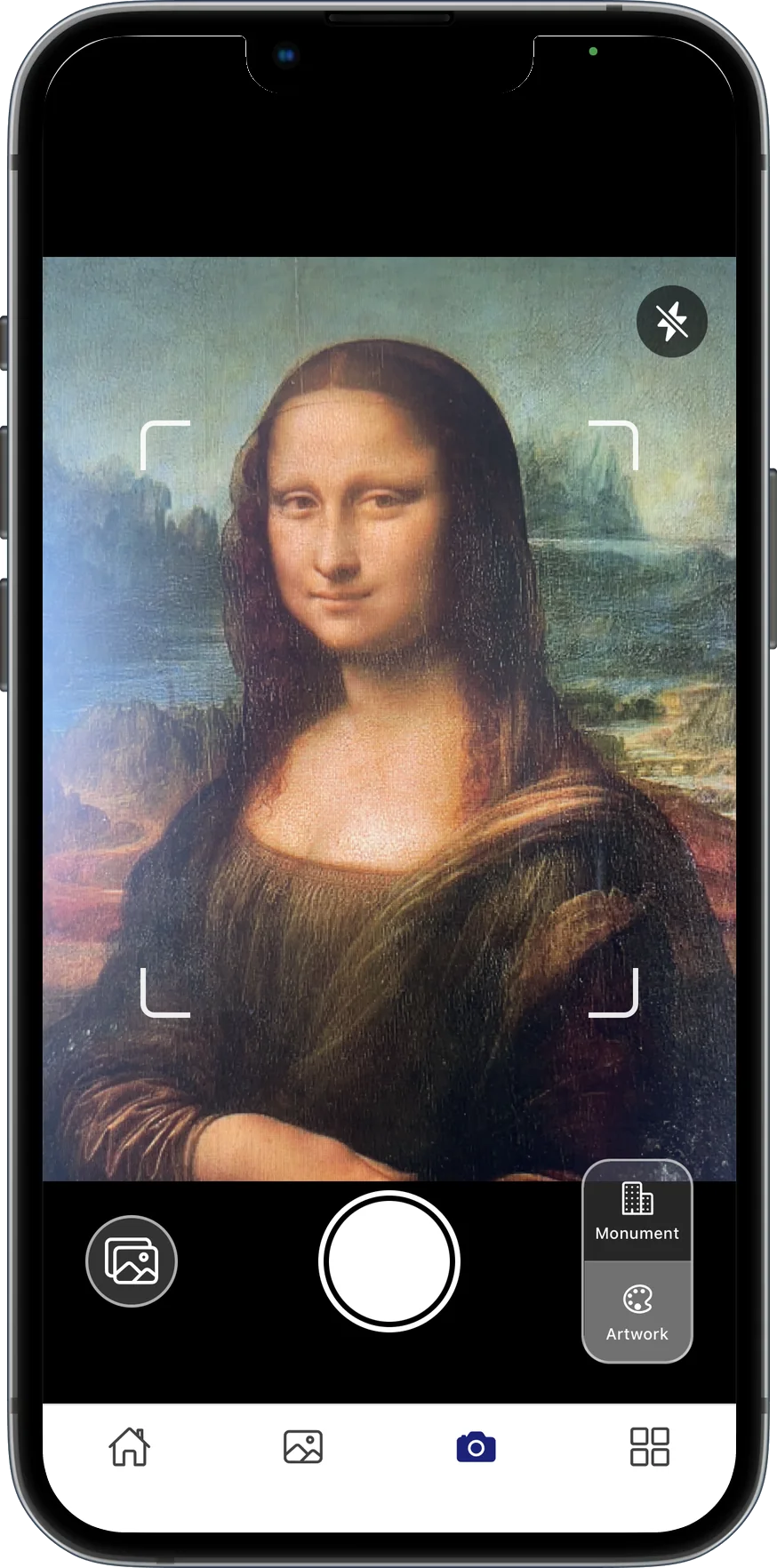
How to identify a painting with AnyArt
- 1
Open the camera
Launch AnyArt and tap the camera button. No setup needed.
- 2
Point at the artwork
Frame the painting, sculpture or mural. The AI recognises it from the image.
- 3
Read its story
Get the title, artist, date, style and an explanation of what the work means and why it matters.
Why use AnyArt to recognise art
More than a name
Unlike generic visual search, AnyArt explains the context: who painted it, what the symbols mean and what story it tells.
4,000+ artworks catalogued
Browse a curated catalogue of more than 4,000 artworks classified by category and artist.
Works in museums and on the street
Use it in a museum, a church, a gallery or in front of a public monument.
Your personal collection
Every artwork you identify is saved to your journal so you can revisit it later.
Questions about identifying artworks
Is there an app that identifies paintings from a photo?
Yes. AnyArt identifies paintings and other artworks from a photo taken with your phone camera and explains their artist, date, history and symbolism. It is available for free on iPhone and Android.
Can AnyArt recognise famous paintings?
Yes. AnyArt recognises well-known works by artists such as Velázquez, Goya, Van Gogh or Da Vinci, and its catalogue includes more than 4,000 artworks with detailed explanations.
Is identifying artworks free?
AnyArt has a free tier that includes camera recognition. A Premium subscription unlocks unlimited scans and the full artwork catalogue.
Start exploring with AnyArt
Free download for iPhone, iPad and Android. Point your camera at any artwork or monument and get its story in seconds.