
Your personal AI museum guide, on your own phone
AnyArt works as a personal museum guide: instead of renting an audio guide or following a fixed route, you point your phone at any artwork that catches your eye and get a clear explanation of its author, its history and its symbols, in your language.


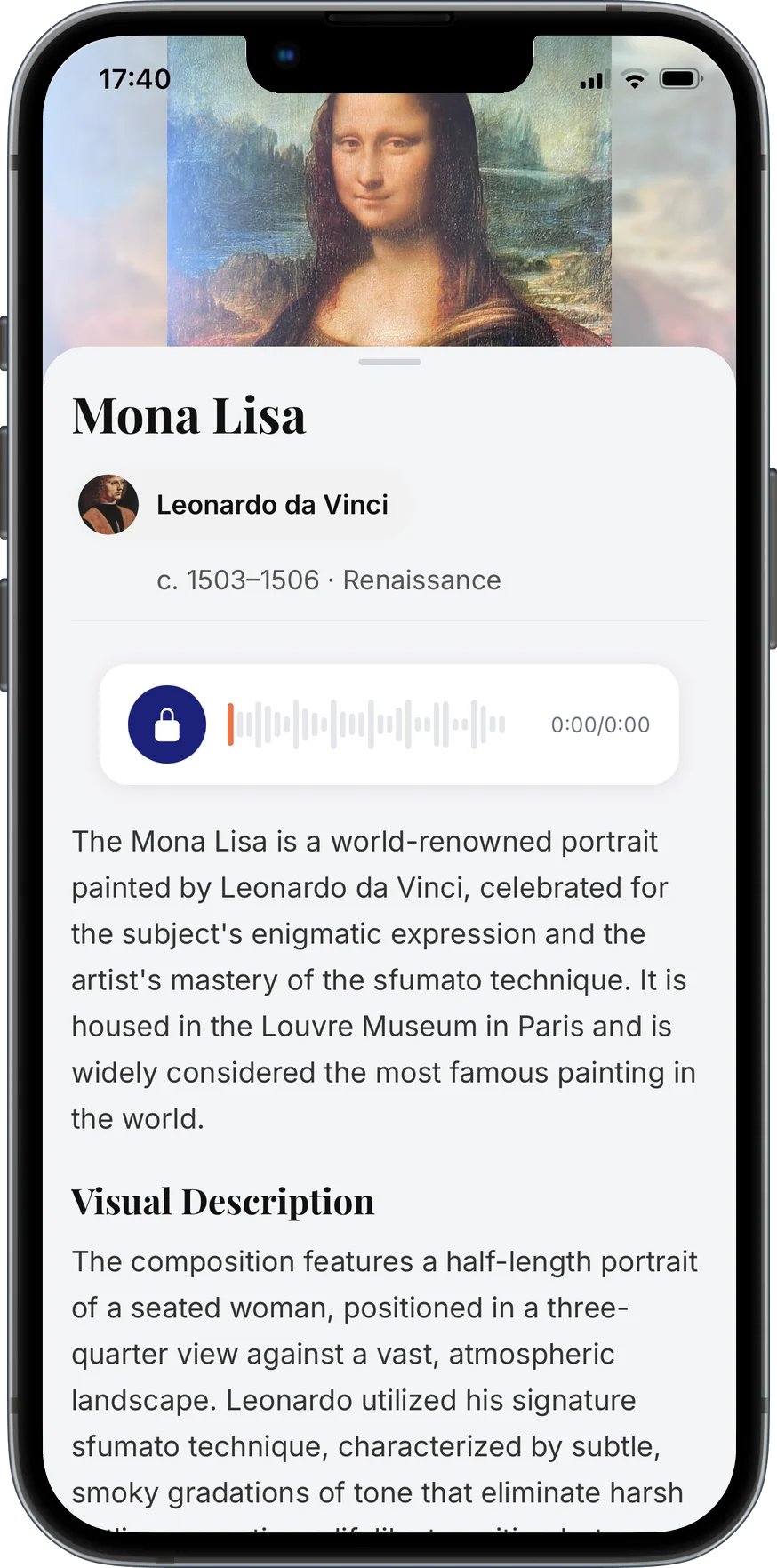
Visit a museum with AnyArt
- 1
Walk in freely
No need to queue for an audio guide or follow numbered stops.
- 2
Point at what interests you
Scan any painting or sculpture that catches your attention.
- 3
Learn and save
Read its story and save it to your collection to remember your visit.
Why an AI guide beats a classic audio guide
Any artwork, not just highlights
Audio guides only cover selected pieces. AnyArt explains whatever you point at.
In your language
Available in English, Spanish and Galician.
Iconography explained
Learn to read symbols, saints, myths and allegories so you can understand art by yourself.
Remember your visit
Your discoveries stay saved in your personal journal after you leave.
Questions about the AI museum guide
Is there an app that works as a museum audio guide?
AnyArt works as a personal AI museum guide: point your phone at any artwork and it explains its artist, history and symbolism. It is a free alternative to renting a traditional audio guide.
Does it only work in partner museums?
No. AnyArt recognises artworks from the image itself, so it is not limited to a list of partner museums.
Do I need headphones?
No. AnyArt shows the explanation as text on your screen, so you can read it at your own pace.
Start exploring with AnyArt
Free download for iPhone, iPad and Android. Point your camera at any artwork or monument and get its story in seconds.